
The situation this is built for
The owner grew up reading Chinese and wants the margin report in Chinese. The server was hired locally and reads Spanish, Vietnamese or Khmer. The guest reads whatever is on the street outside. The tax office wants the receipt in something else again. Most restaurant software treats that as an unusual configuration; here it is the ordinary case, and the design starts from it.
Language belongs to the account
Log in as the owner on the office machine and everything is Chinese. Log in as a server on the floor tablet and everything is in the local language. Same tables, same open bills, same stock — different labels. Nothing is installed twice and there is no separate English edition to license.
The practical consequence is a hiring one. You can take on a local server on Tuesday and have them working the floor on Wednesday without teaching them a single Chinese character, while you keep reading your own numbers the way you always have.
One record, two names
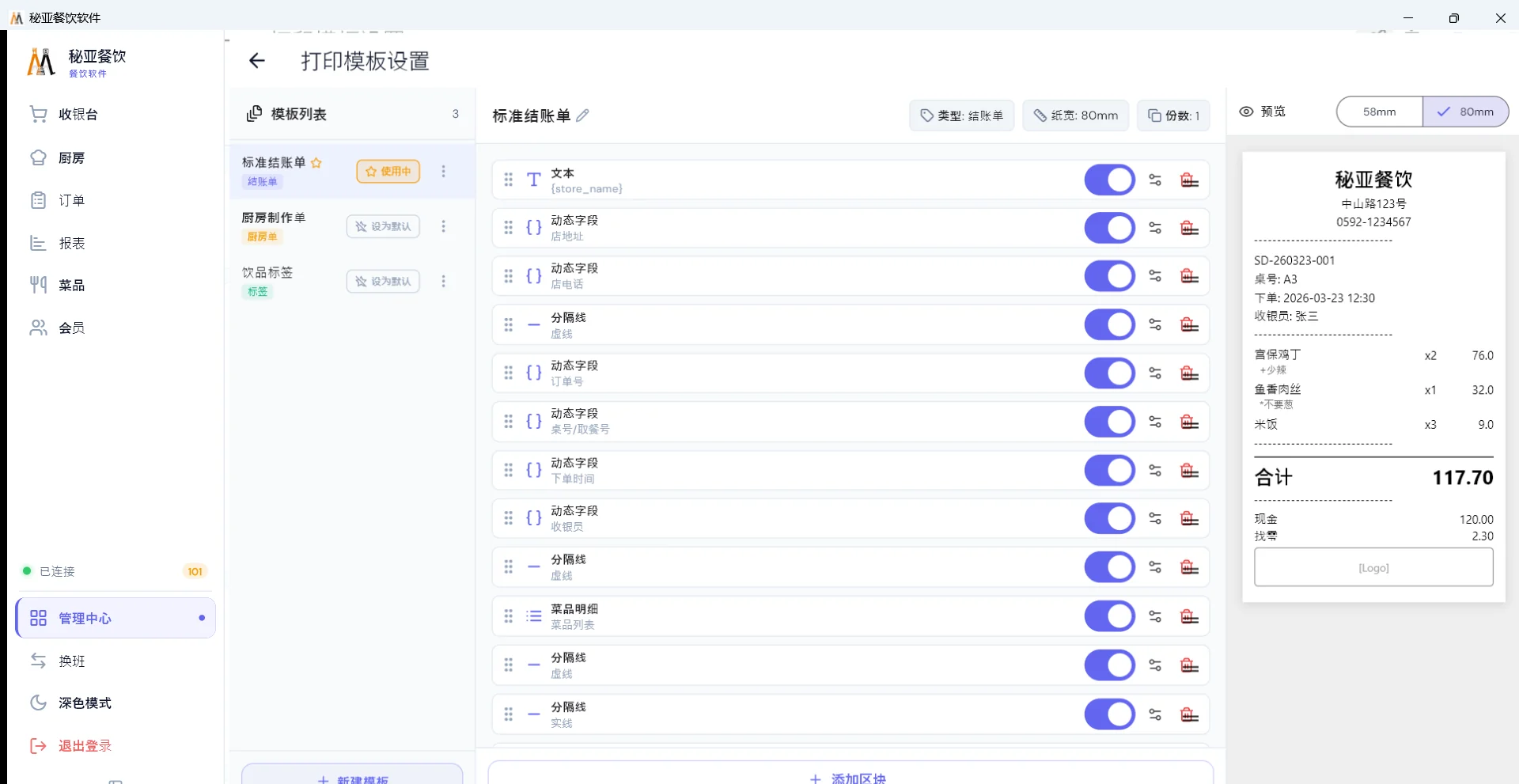
Underneath, a dish is a single record carrying a Chinese name and a local-language name, plus its price, tax class, station routing and option groups. Every surface reads that one record: the counter, the QR ordering page, the kitchen ticket and the printed receipt.
So changing a price is one edit, and there is no second menu quietly going stale. This is the part that decides whether a bilingual menu survives a year — not the translation, but whether keeping both columns in step is somebody's weekly chore or a structural guarantee.
The receipt problem, and the actual fix
Every restaurant outside the Latin alphabet meets this in week one: the screen looks perfect and the kitchen ticket comes out ▯▯▯▯. Somebody suggests changing the font, which does nothing.
A thermal printer carries a small built-in font table and prints only what is in it. Send it a Khmer syllable, a Thai vowel mark or ₭, ฿, ₩, ₦ or R$ and it prints its placeholder. So the fix is not a font — it is to stop sending text. Those lines are drawn as a bitmap on the computer and the printer is asked to print a picture, which every thermal printer can do regardless of its font table. It runs automatically. Detail in why the receipt prints boxes.
Which languages
23 ship with the system. Alongside English, Spanish, French, Portuguese and Italian, it includes the ones most often missing from Western POS products: Thai, Vietnamese, Indonesian, Malay, Japanese, Korean and Arabic with right-to-left layout. Language and locale are set per store, so a group operating in two countries configures each shop for where it actually trades.
Small things that come from actually shipping this
Discounts are stored as a single reduction ratio, and each shop chooses how it is expressed: a Chinese owner types 90 and sees 9折, an overseas shop types 10 and sees 10% off. Both mean the same thing to the system. Two people can describe the same discount in the way each is used to, and the arithmetic is identical.
Option scales work the same way — one real sugar scale of 0%, 25%, 50%, 75%, 100%, with a Chinese display name, a Malay one and an English one hanging off the same setting. Staff hear any of the three and press the same key. See building modifiers.
One thing we will not overstate
The software runs in 23 languages. Our human support team works in Chinese. For a shop where the owner is the person who contacts support, that is usually the right trade — but it means a local manager cannot raise a ticket in their own language, and you should know that before you buy rather than after.
Can two terminals in the same restaurant run in different languages at the same time?
Yes. Interface language is set on the user account rather than on the installation, so the office machine can stay in Chinese while the floor tablet runs in the local language all day. Both are reading the same tables and the same bills.
Do I have to type every dish twice and keep two menus in sync?
No. A dish is one record carrying both names, so a price change updates the counter, the QR ordering page and the printed receipt at once. There is no second menu to drift out of date.
Why does the receipt print boxes instead of Thai, Khmer or Arabic, and can it be fixed?
Boxes mean the characters are not in the thermal printer’s built-in font table, so changing the font does nothing. The fix is to render those lines as an image before sending them to the printer, which then only has to print a picture. That runs automatically for non-Chinese text and special currency symbols.
Who translates the menu into the local language?
The local-language column is filled in with you during onboarding, from whatever you have — an export, a spreadsheet, a PDF or a photograph of the printed menu. Day to day you maintain one column. Have a local member of staff read the finished dish names once, because that is where machine translation quietly goes wrong.